Help
What is new
- Loader 1.5.0: fixes clues not appearing after a GeoGuessr update at the end of September. The loader now has a second, independent way to notice a guess.
- Loader 1.4.0: the LM button can be moved. Hold it, drag it anywhere, and it snaps to the nearest side. It remembers where you put it.
- Loader 1.3.0: a short message tells you when the loader has been updated.
- Loader 1.2.0: the LM menu can hide and show the clue window and change its size. The window can be resized from its corner and dragged by its title on phones.
- Loader 1.1.0: clues appear reliably after each guess, even though the bookmark starts after the page has loaded.
You always get the newest version automatically the next time you tap the bookmark. The LM menu shows which loader is running.
Common problems
- It says "Open geoguessr.com first". You tapped the bookmark on another site. Open the game first.
- Tapping the bookmark does nothing. Start it from the address bar: type LM and tap the LM bookmark in the list. The Bookmarks page does not work for this.
- The bookmark opens a search or an empty page. The address was saved wrong. Redo step 4 on the Chrome, Brave or any Chromium browser page. The address must start with
javascript:. - It says "Learnable Meta failed to load". No internet, or the relay is down. Check the status on the home page and try again.
- It says loaded, but no clue after a guess. Tap the round LM button, then Check game now. Also make sure the map is a Learnable Meta map.
The LM button
The round LM button opens a small menu. It starts at the bottom right. Hold it and drag to move it; it snaps to the nearest side of the screen and stays there next time.
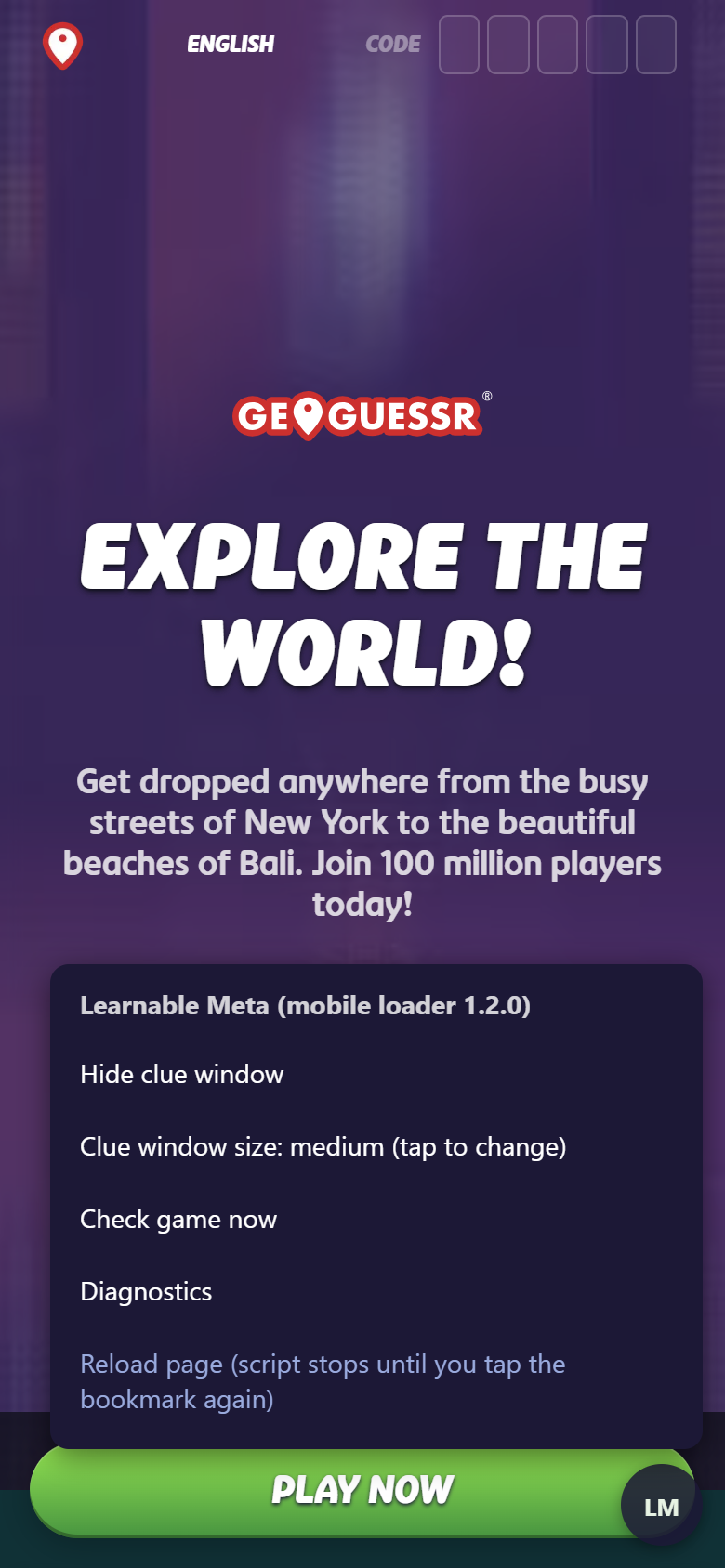
- Hide clue window / Show clue window: hides the clue window while you play, and brings it back.
- Clue window size: tap to switch between small, medium and large. You can also drag the window's bottom-right corner to resize it, and drag its title to move it.
- Check game now: looks at the current round again and shows the clue if a guess was just made.
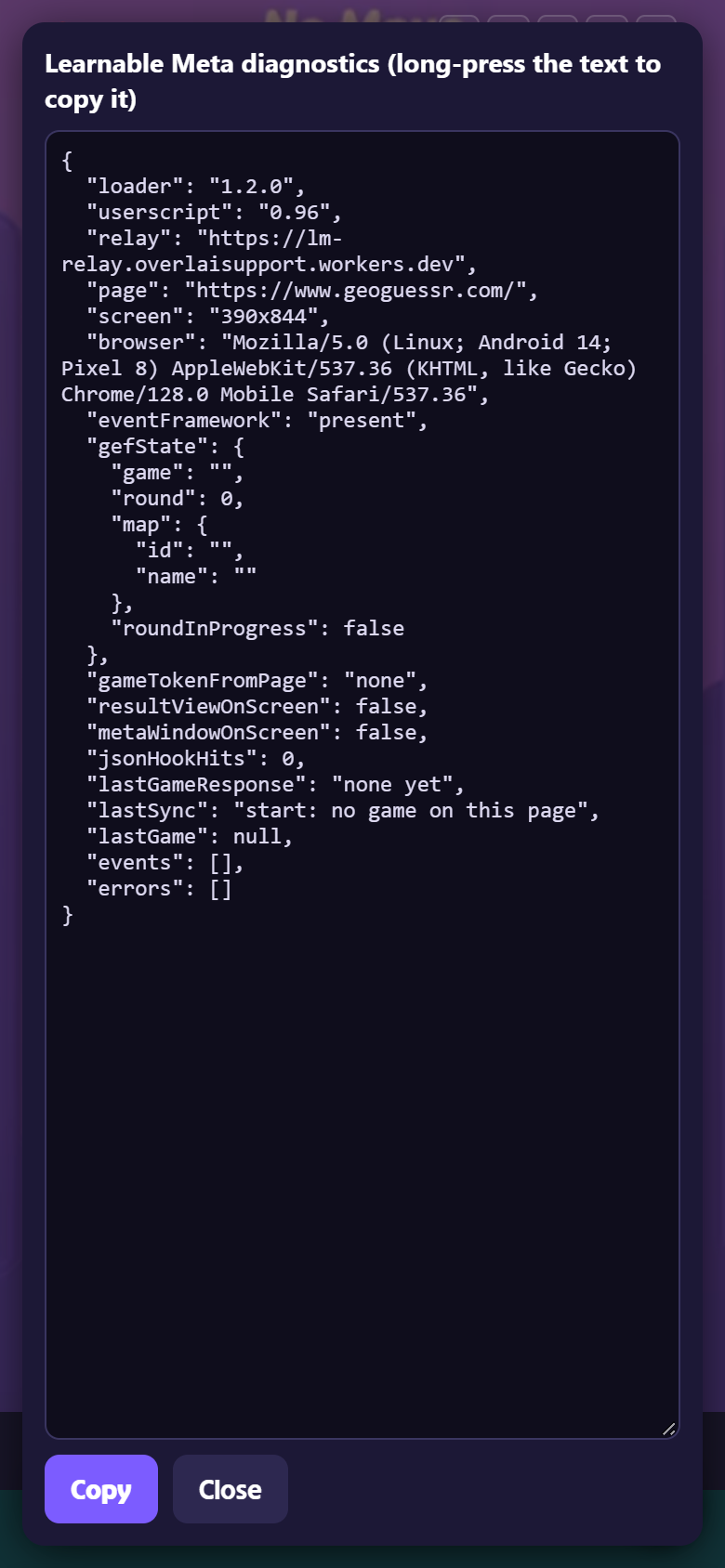
- Diagnostics: technical details for whoever helps you. Tap Copy and send the text. It contains no passwords.
- Reload page: reloads GeoGuessr. Tap the bookmark again afterwards.
Questions
Why a bookmark? Phone browsers cannot install extensions such as Tampermonkey, which is how Learnable Meta is normally installed. A bookmark that runs a little code is the only thing they allow, and it has to be tapped once per map.
Why not the GeoGuessr app? The app is not a web page, so nothing can be added to it. Play on www.geoguessr.com in the browser instead.
Is it safe? The bookmark loads the official Learnable Meta script, unchanged, from the Learnable Meta site. The relay in between only forwards the script's requests and stores nothing. It never sees your GeoGuessr login, and it refuses to pass on Learnable Meta account tokens. The code is open source; see the link on the home page.
Does it change my account? No. Nothing is installed and nothing is changed on GeoGuessr or Learnable Meta. Close the tab and it is gone.
Does it cost anything? No.
Who made this? A player. This project is not affiliated with GeoGuessr or with the Learnable Meta developers.
Other ways to get Learnable Meta on a phone
- Android: Firefox with the Tampermonkey add-on. See Learnable Meta's Android guide.
- iPhone and iPad: use Chrome or Brave with the same bookmark steps; Safari does not work. For Safari, see Learnable Meta's iOS guide for their Safari options.